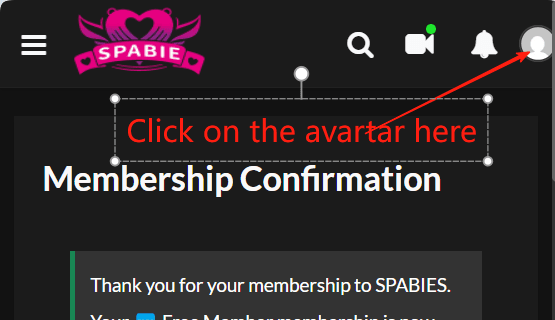
- After logged in, click on the blank avatar icon at the top right corner;
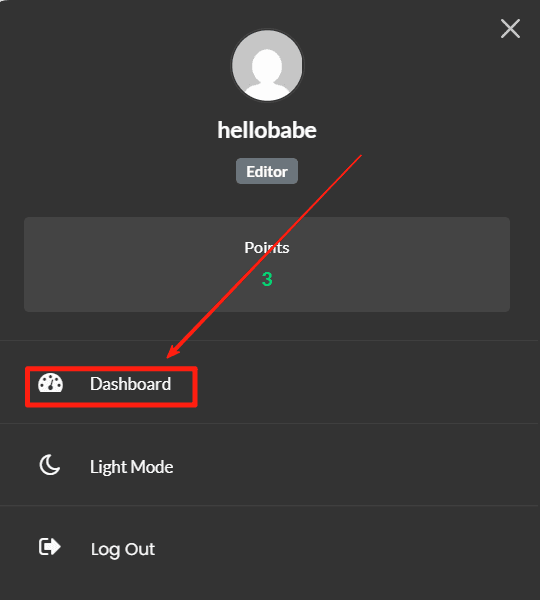
- Click on the Dashboard at the dropdown menu;
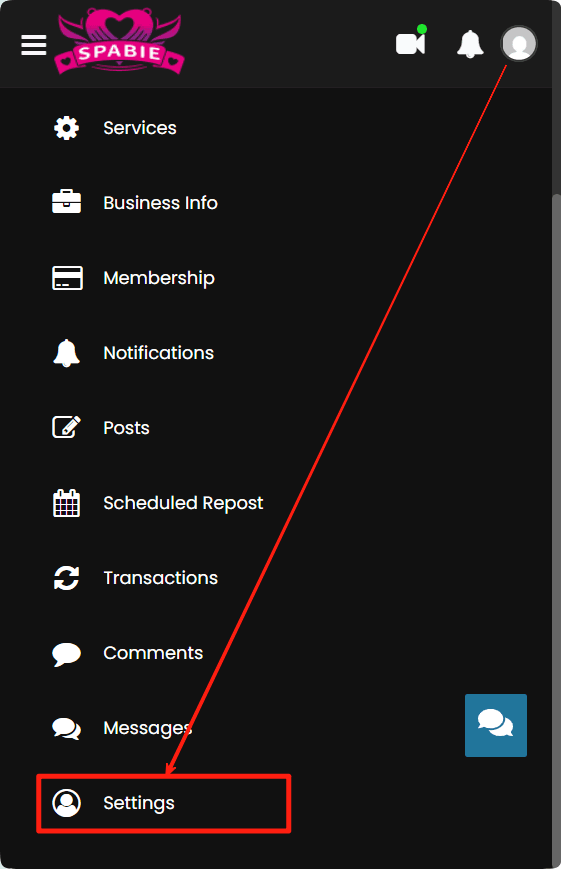
- Click on the Settings at the bottom of the menu;
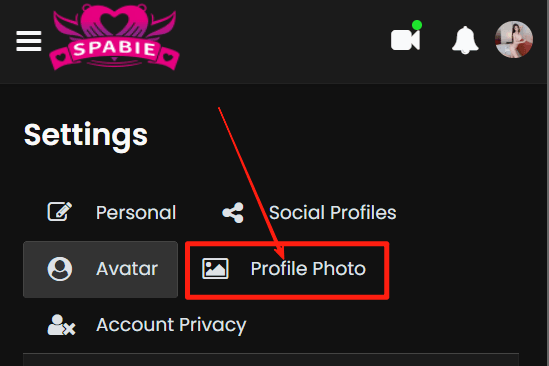
- Click on the Avatar tab then upload your avatar photo;
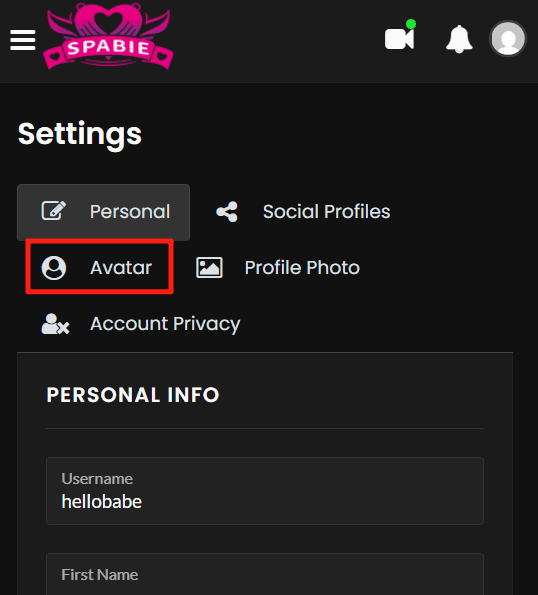
- Click on the Profile Photo if you wish to upload one;
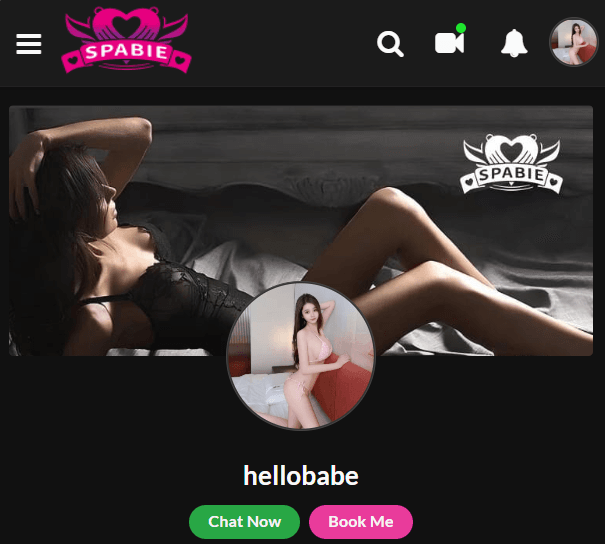
- Final Effect
Please do not hesitate to click the Chat Now button of our SERVICES account below if you have any questions! We are happy to help you!
Related Articles:
How to Use SPABIE Booking System