Click on your Avatar at the top right corner;
Click on the Dashboard icon from the dropdown menu;
Click on the Posts button;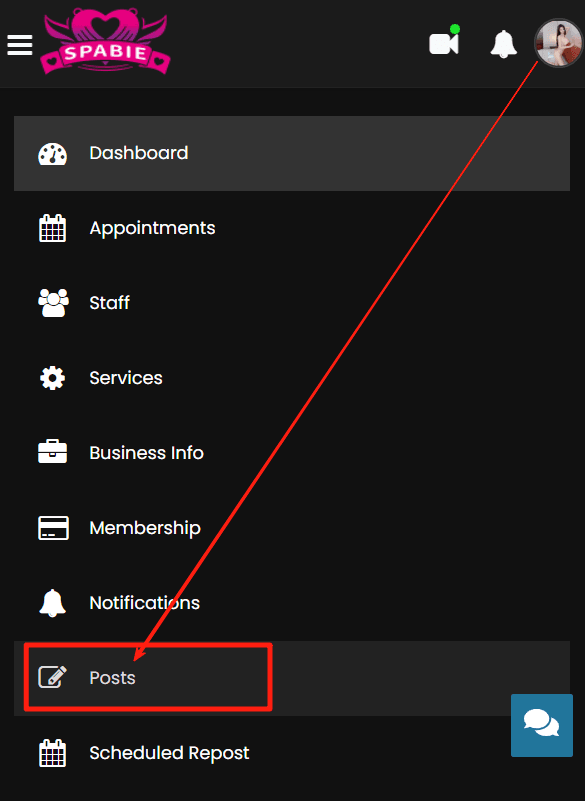
Click on the Add new button to enter Post editing page;
Input relevant information;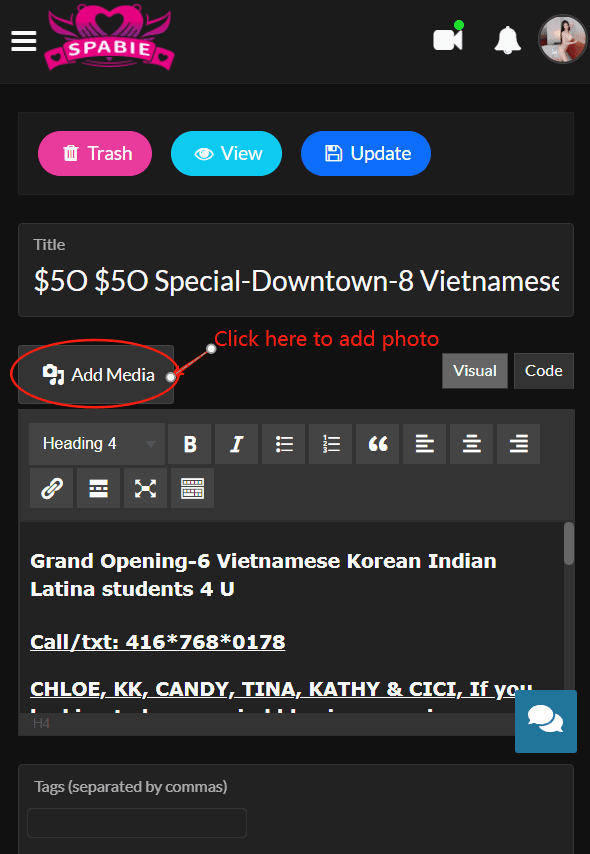
Upload your feature image (your main image for your post) and check your service area;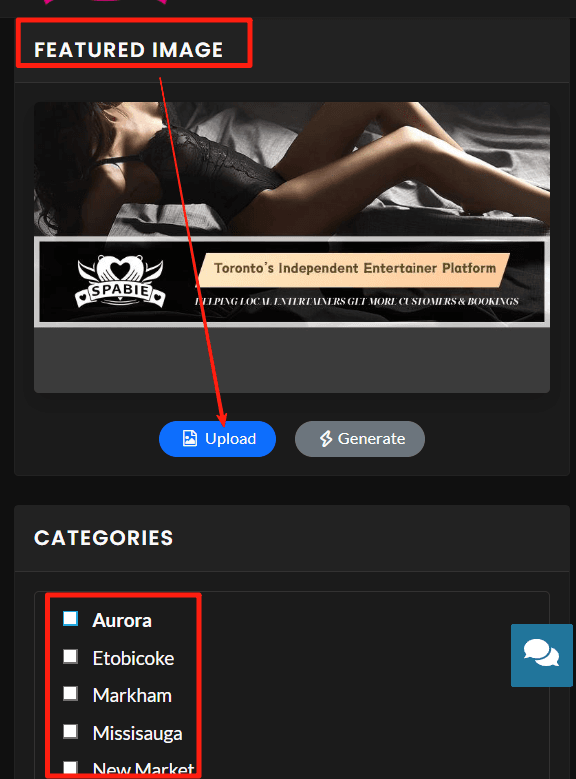
Click the Update button to post your ad.
Related Articles:
How to Set up Your Avatar & Profile Photo